


Fire TV with Vega OS: Downloader missing? Here’s what you can do
You have a new Fire TV Stick, search for the Downloader app and can’t find it? Or the setting for unknown apps is missing? Then your stick most likely runs Vega OS. Here’s what that means, how to check and how to watch IPTV anyway.
What is Vega OS?
Vega OS is Amazon’s new system for some Fire TV Sticks. The earlier models run Fire OS, which is based on Android. Vega OS is a system of its own, and Android apps don’t run on it.
For you, that means: on a device with Vega OS, there are only apps from the Amazon Appstore. Apps from other sources can’t be installed at all, and there’s no setting for unknown apps. That’s also why Downloader is missing.
Which devices are affected
As of October 2026, these models run Vega OS:
- Fire TV Stick 4K Select (2025)
- Fire TV Stick HD, 2nd generation (2026). You can recognize it by Wi-Fi 6, rounded corners and the “Fire TV” lettering on the stick.
- Fire TV Stick 4K, 3rd generation (2026). You can recognize it by “4K” next to the HDMI connector and white packaging.
These run Fire OS and work as usual: Fire TV Stick HD (2024), Fire TV Stick 4K Plus, Fire TV Stick 4K Max, Fire TV Cube and all Fire TV smart TVs.
How to check your device
- 1Open Settings › My Fire TV › About. On a Fire TV smart TV it’s Device & Software › About.
- 2Look at the software version.
- 3If it says “OS 1.x”, it’s Vega OS. If it says “Fire OS” with a number (5, 6, 7, 8 or 14), you can install apps with Downloader. Then our guide for Fire TV will help.
Is there a trick?
No. In forums you’ll read about developer options or other tricks. They don’t help on Vega OS, because the setting for apps from other sources simply doesn’t exist there. Save yourself the time and take one of the ways below.
Your ways to IPTV
1. A Fire TV with Fire OS
Fire TV Stick 4K Plus, 4K Max, Fire TV Cube or a Fire TV smart TV: on these, you install Finally with Downloader in about ten minutes. If you’ve only just bought the Vega stick, it’s worth checking your retailer’s return period. How to set up Fire TV.
2. A device with Google TV
TVs with Google TV or Android TV and boxes like Chromecast with Google TV or Google TV Streamer have the Google Play Store. Downloader is available there, and Finally runs on them with the remote. How to set up Android TV and Google TV.
3. Your phone and Chromecast
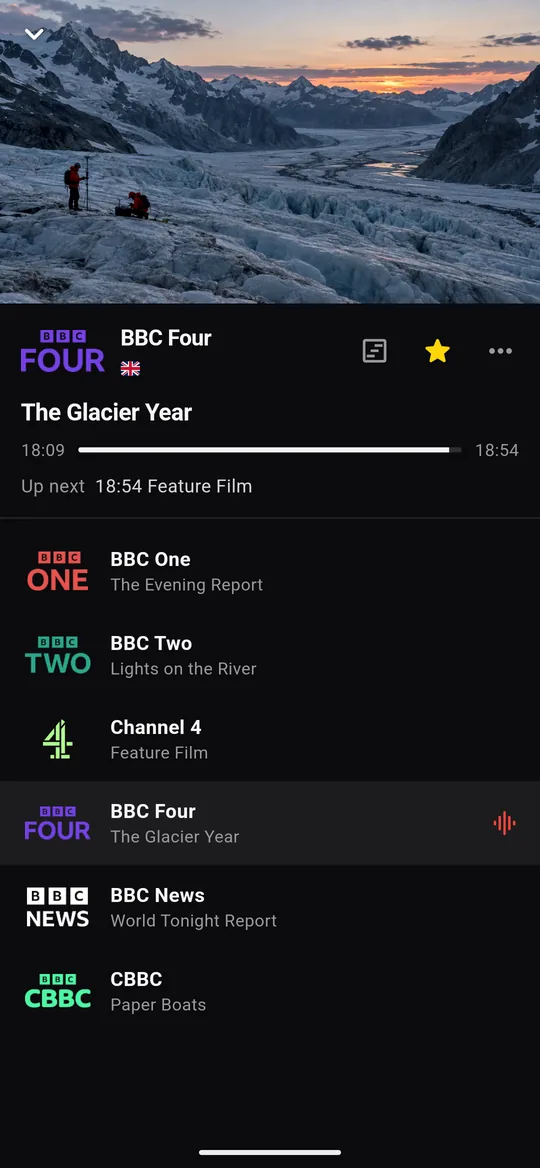
Finally runs on any Android phone with Android 7 or later. With the Cast button in the player, you send the picture to a Chromecast or a TV with Google TV, and your phone becomes the remote. You don’t need the Fire TV Stick for this. How to set up Finally on your phone.
4. Your PC on the TV
Connect a laptop or PC with Windows 10 or 11 to your TV with an HDMI cable. Finally comes from the Microsoft Store and works with keyboard, mouse and media keys. Download Finally.
Which way suits you?
- You want to watch with the remote like before: Fire TV with Fire OS or a device with Google TV.
- You already have a Chromecast or a TV with Google TV: your phone with the Cast button. It costs nothing extra.
- Your laptop sits next to the TV anyway: an HDMI cable and Finally for Windows.
With an account and PRO, you take your playlists, favorites and progress along to all these devices, encrypted. Here’s how it works.
Questions
Why can’t I find Downloader on my Fire TV Stick?
Your stick probably runs Vega OS. It only has apps from the Amazon Appstore, and apps from other sources can’t be installed. Check under Settings › My Fire TV › About: “OS 1.x” means Vega OS.
Can I install Finally on a Fire TV with Vega OS?
No. Finally isn’t in the Amazon Appstore today, and Vega OS can’t install apps from other sources. Use one of the four ways above.
Is my Fire TV smart TV affected?
No. As of October 2026, all Fire TV smart TVs can still install apps with Downloader. Here’s how: guide for Fire TV.
Which Fire TV Stick should I buy for IPTV?
One with Fire OS, such as the Fire TV Stick 4K Plus or 4K Max. Check the exact model name before you buy. An alternative is a box with Google TV.
Does Finally cost anything?
The basic features are free and need no account: live TV, TV guide until midnight, search, favorites and parental controls. PRO adds multiple playlists, the full week guide, multiview and sync between your devices, among other things.
Updated: October 24, 2026