


Movies and series, sorted like a streaming app
Finally turns the movies and series in your playlist into a library: big pictures, clean titles, descriptions in your language. On PC, phone and TV, with nothing to set up.
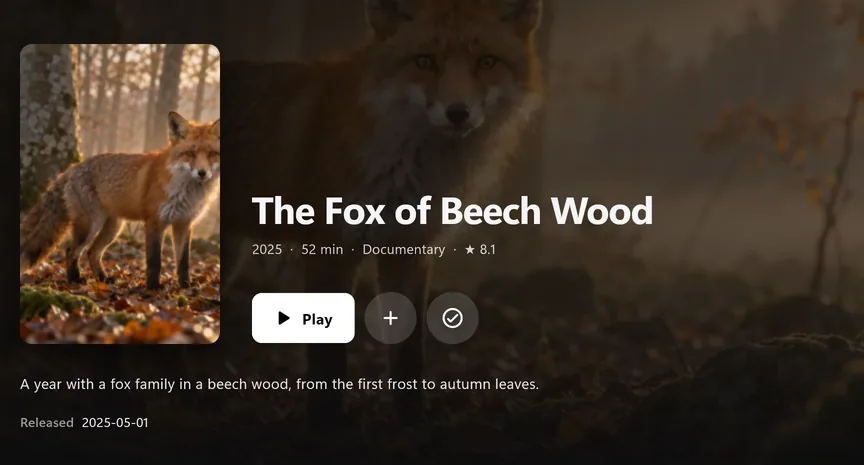
Big pictures instead of long lists
Finally recognises titles from your playlist and adds posters, descriptions, ratings, age ratings and cast. Rows like “Trending this week”, genres and “Continue watching” are built from what’s in your playlist.
Series without searching
- Next episode in 10 seconds, and you can cancel.
- Continue watching exactly where you stopped, with a progress bar.
- Mark as watched, single episodes or whole seasons.
- Skip intro with PRO: Finally learns where the intro ends.
Find something for tonight
- Genre pages and filters by decade, language and quality.
- “What are we watching tonight?” Three quick questions, one suggestion.
- Search by title or by person, with posters from the first letter.
- Every movie once: all versions together, the best one starts.
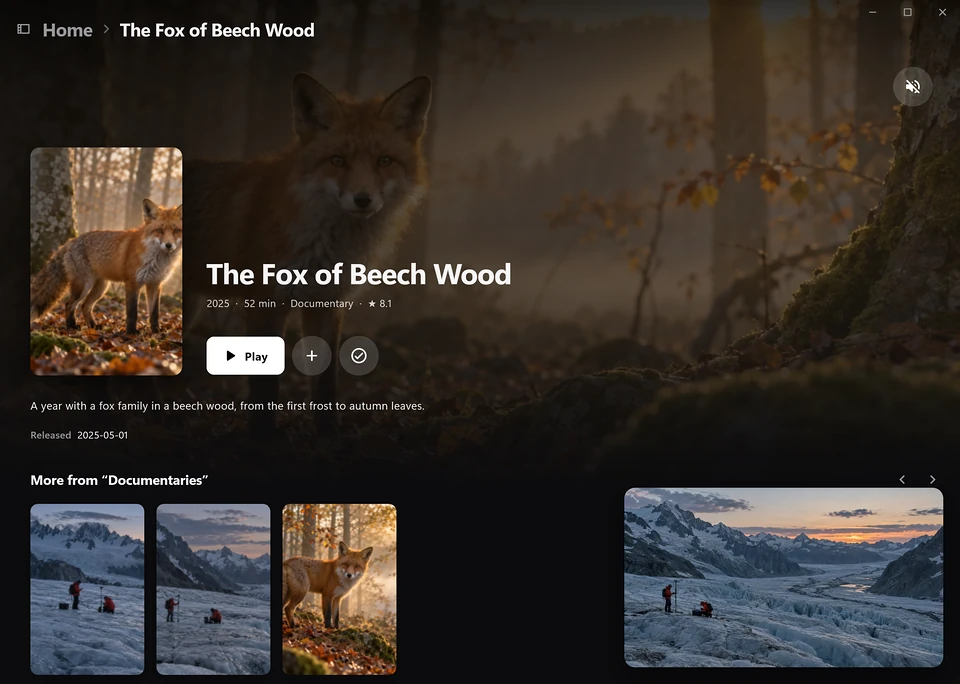
A library for kids
In a kids profile, Finally only shows titles up to the age you choose, in search too. That’s free.
With PRO, the kids library goes further: bigger pictures, only kids rows, and search only finds kids titles.
Movie and series data come from TMDB. Finally uses the TMDB API but is not endorsed or certified by TMDB.